
Viking IPTV: Features, Devices, Pricing & What to Know
A straightforward overview of what Viking IPTV HD actually offers — devices, streaming quality, sport and entertainment content, pricing and support.
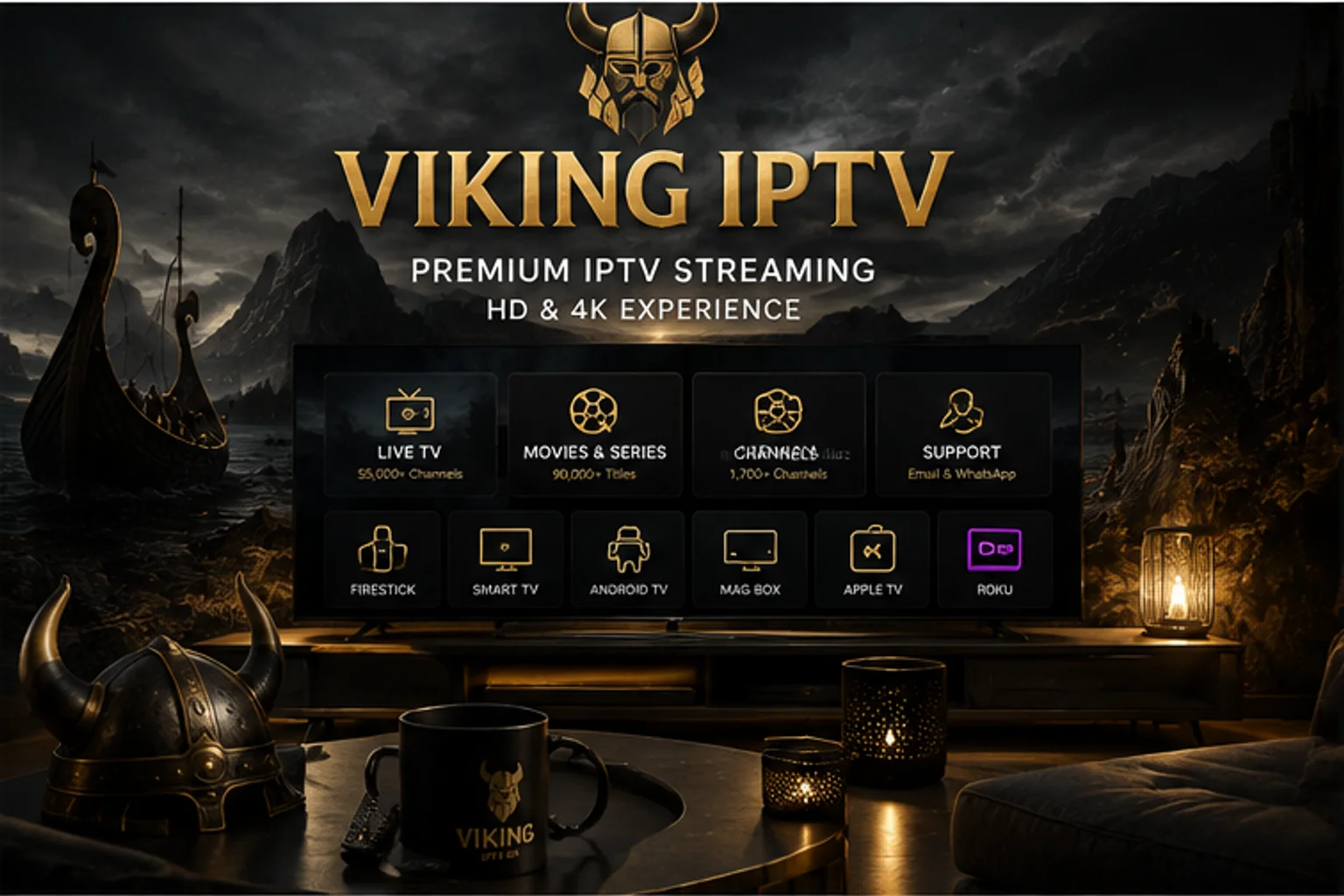
If you've come across Viking IPTV HD and want the basics in one place before digging into individual pages, this article covers what the service is, what it offers, and what's worth knowing before you subscribe — using only what's already confirmed elsewhere on this site, without adding anything unverified.
What Viking IPTV HD Is
Viking IPTV HD is an IPTV subscription service offering live TV, sports and movies & series streaming in HD and 4K, delivered to a range of devices rather than a single app or platform. It's built around straightforward pricing, broad device support, and direct WhatsApp and email contact for support — see our homepage and IPTV subscription page for the fuller picture.
What's Included
- 55,000+ Live Channels
- 90,000+ Movies & Series
- 1,700+ German Channels
- HD and 4K streaming, depending on channel and connection
- Email support
- A 24-hour Free Trial
Supported Devices
Viking IPTV HD works across the devices most people already own: Firestick, Smart TV (including Samsung and LG specifically), Android TV, Apple TV, Roku, and iPhone/iPad. Setup varies by device — some connect through a dedicated app store, others through sideloading a compatible player — and our full devices page links through to setup instructions for each one.
If you're not sure your specific TV or box is covered, check the device page for it directly before subscribing rather than assuming — device support genuinely does vary by platform.
Since setup steps differ meaningfully between platforms — a Samsung Tizen TV, for instance, is set up quite differently from an Android TV box — it's worth reading the device-specific page for your exact hardware rather than following a generic walkthrough, particularly if you're new to IPTV setup in general.
Streaming Quality
Streaming quality with Viking IPTV HD depends on both the channel you're watching and your own connection — HD is standard, with 4K available where the source content and your network support it. This isn't unique to any one provider; it's how IPTV streaming generally works, and it's worth keeping realistic expectations about rather than assuming every channel streams at the same fixed quality regardless of conditions.
Sports and Entertainment Content
Sports coverage is included as part of a Viking IPTV HD subscription rather than sold as a separate add-on, spanning football, the Premier League, NFL, NBA, NHL and UFC among other leagues and competitions. Coverage of any specific event depends on the league and broadcast rights involved, so we don't guarantee access to a particular fixture — see our sports overview for the full picture of what's covered.
Alongside sport, the 90,000+ movies and series library and 55,000+ live channels cover general entertainment, news and international content, including a dedicated 1,700+ German channel selection.
Xtream Codes and M3U Compatibility
Like most IPTV services, access to Viking IPTV HD is provided through either an Xtream Codes login (a server URL, username and password) or an M3U playlist link, depending on how your access details are issued. Both formats work with the same range of supported player apps across your devices — see our Xtream Codes and M3U playlist guides if you're unfamiliar with either, or our Xtream Codes vs M3U comparison if you're trying to understand the practical difference between the two.
EPG and Program Guide
Player apps connected to Viking IPTV HD generally load an EPG — the on-screen program guide showing what's currently airing and what's coming up — alongside your channel list. Exactly how complete the guide is for any individual channel depends on the underlying data source for that channel rather than anything specific to the player app you're using, which is true of EPG data across IPTV generally, not something unique to this service.
If a guide looks empty right after setup, most players have a manual EPG refresh option in their settings that's worth trying before assuming something is broken — our EPG not updating guide walks through the fuller troubleshooting sequence if a refresh alone doesn't resolve it.
Pricing
Viking IPTV HD offers four plan lengths — 1, 3, 6 and 12 months — with the same channel, content and support access on every plan, so the choice comes down to how long a term you want rather than comparing different feature sets. Exact current pricing is listed on our pricing page, which is the authoritative source for costs rather than any figure quoted elsewhere.
Because every plan includes identical access, there's no feature trade-off to weigh when picking a term length — the main practical question is simply whether you'd rather commit for a shorter period initially or lock in a longer term from the start.
The Free Trial
Viking IPTV HD offers a 24-hour Free Trial, which is the most direct way to check streaming quality, device compatibility and channel selection on your own setup before subscribing to a paid plan. Trials are requested directly through WhatsApp rather than an automated signup form — see our FAQ for how the process works.
Using the trial window deliberately — testing on the actual device you plan to watch on most, during the times of day you'd normally watch — gives a far more useful picture than a brief test on a different device, since streaming performance can vary by device and by network conditions at different times.
Support Options
Support is available through email and a direct WhatsApp contact channel — the same channel used to request a Free Trial can also be used for account or setup questions afterward. See our contact page for details on reaching support.
How to Get Started
The practical starting point is requesting the 24-hour Free Trial through WhatsApp, testing playback on your actual device, and only then choosing a plan length on the pricing page once you're satisfied with what you've seen. If you run into setup questions along the way, our guides section and device-specific pages cover the most common installation steps.
What to Consider Before Subscribing
- Confirm your specific device is supported by checking its dedicated page under devices before subscribing.
- Use the Free Trial to test actual streaming performance on your own network, rather than relying on marketing claims alone.
- Review the pricing page directly for current, exact costs across all plan lengths.
- Check the FAQ for answers to common setup and account questions before contacting support.
- If setup doesn't go smoothly on the first attempt, check the relevant device page or guides section before assuming something is wrong with the service itself — most first-time issues are configuration steps, not service faults.
What We Don't Claim
In the interest of setting accurate expectations: Viking IPTV HD doesn't promise a specific uptime percentage, doesn't guarantee access to every individual channel or sporting fixture indefinitely, and doesn't state exact server locations or infrastructure details. These are common claims in IPTV marketing generally that are difficult for any provider to verify or guarantee, so we'd rather leave them out than state something we can't stand behind.
FAQ
What devices does Viking IPTV HD support?
Firestick, Smart TV (including Samsung and LG), Android TV, Apple TV, Roku, iPhone and iPad. See our devices page for setup details specific to each one.
Does Viking IPTV HD include sports channels?
Yes — sports coverage is included as part of the subscription rather than sold separately, spanning football, the Premier League, NFL, NBA, NHL and UFC among other leagues, subject to broadcast rights for any specific event.
How do I get the Viking IPTV HD Free Trial?
Request the 24-hour Free Trial directly through WhatsApp. This lets you test streaming quality and device compatibility on your own setup before subscribing to a paid plan.
Ready to get started?
See what's included with a subscription, or go straight to plans and pricing.