
IPTV EPG Not Updating: How to Fix It
A step-by-step workflow for when your program guide is stuck, wrong, or not updating — not what EPG is, but exactly what to check first, second and third.
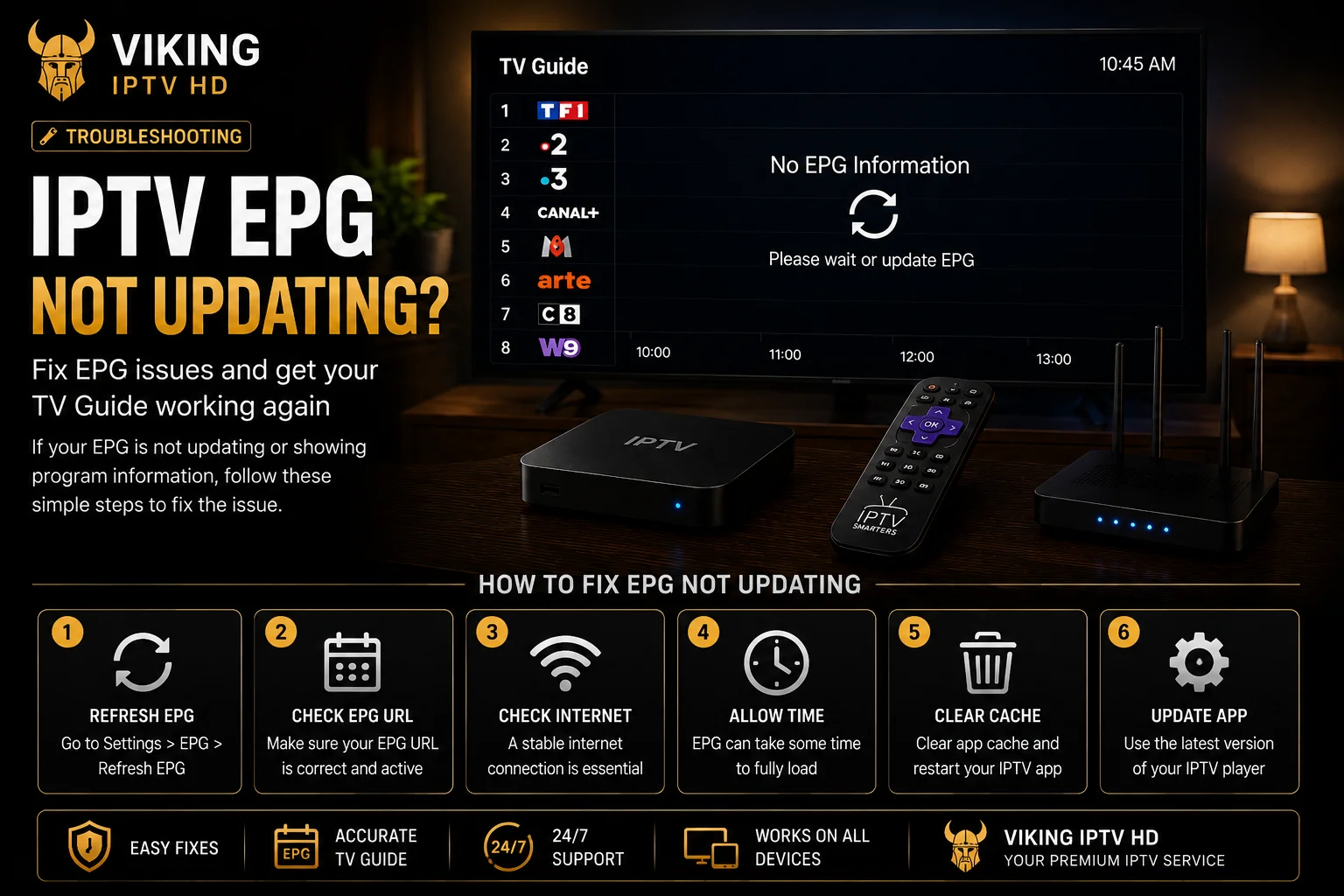
If you're looking for an explanation of what EPG is and how it generally works, our EPG guide covers that. This article is narrower and more practical: your guide data is stuck, showing wrong times, or missing entirely, and you want an actual sequence of steps to work through rather than background theory. If it's your channel list or login that won't load at all — not just the guide — see IPTV playlist not loading instead.
Step 1 — Confirm It's Actually Not Updating
Before troubleshooting, distinguish between two different problems that look similar: EPG data that's present but stale (old program listings that haven't refreshed), and EPG data that's genuinely missing for a channel (which no refresh will fix, since not every channel source includes full guide information). If the guide has never shown data for a specific channel, that's a coverage gap rather than an update failure — skip ahead to a different channel to confirm the rest of your guide is working normally.
Step 2 — Check the Timezone Setting First
Incorrect program times — everything showing a few hours off in a consistent direction — is almost always a timezone mismatch between the EPG source and your player app, not an update problem at all. Check your player app's own timezone setting (usually under General or Playback settings, separate from your device's system clock) before doing anything else. This single check resolves more "EPG is wrong" reports than every other step combined.
Step 3 — Force a Manual EPG Refresh
- In IPTV Smarters Pro: open Settings, look for "Update Data" or a similar option, and select it to force a fresh EPG pull separate from your channel list.
- In TiviMate: open the Source Manager, select your source, and look for a refresh or reload option — this re-fetches both the playlist and any linked EPG URL.
- In most other players: check Settings for an option labeled EPG, Guide Data, or Refresh Channels — the exact wording varies, but nearly every player separates this from a full app restart.
Step 4 — Check Your Playlist/EPG URL Is Still Valid
If your subscription uses M3U with a separate EPG URL, confirm that link hasn't changed — this happens occasionally if your access details were updated. Re-adding the EPG source with a freshly copied URL, the same way you'd re-add a stalled M3U playlist, clears out anything cached locally that a simple refresh doesn't touch.
Step 5 — Consider Device or App-Specific Causes
Older devices with limited storage occasionally fail to fully download larger EPG datasets, which shows up as a partially populated guide rather than a totally empty one. Clearing your player app's cache (not your login details) from your device's app settings, then reopening the app, forces a completely fresh EPG download rather than an incremental update.
Step 6 — Rule Out a Source-Side Issue
If you've checked timezone, forced a refresh, confirmed your URL is current, and cleared your app cache — and the guide still won't update for channels that previously worked — the most likely remaining explanation is a temporary issue on the EPG source itself, which resolves on its own more often than not. This isn't guaranteed to happen on any fixed timeline.
When to Contact Support
If EPG has been missing or stuck across every channel for more than a day after working through the steps above, or if the rest of your IPTV setup (live TV playback, login) is also affected, contact support rather than continuing to troubleshoot alone — at that point it's more likely an account or service-side issue than something fixable from your device.
FAQ
Why are my program times all off by the same number of hours?
This is almost always a timezone setting mismatch inside your player app, not a data problem. Check your app's own timezone setting before anything else.
I refreshed the EPG and it's still empty for one channel — what's wrong?
That specific channel's source may simply not include EPG data. Coverage isn't guaranteed to be complete for every channel, and this doesn't indicate a wider problem.
Does clearing my app's cache delete my IPTV login?
Clearing an app's cache does not remove your saved login or playlist — it only clears temporarily stored data, which forces a fresh EPG and channel-list download the next time you open the app.
Still stuck?
If the steps above didn't resolve it, get in touch with support directly.