Find Your Device
Viking IPTV HD works across streaming boxes, Smart TVs and mobile devices. Select your device below for setup details and device-specific notes.
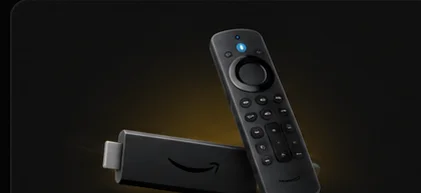
Most devices connect the same way: install a compatible IPTV player app, then enter the access details from your subscription. What differs by device is how you install that app and how open its app store is. On Firestick, you sideload a compatible player. Smart TVs vary by brand — Android TV-based sets give full Google Play Store access, while Samsung (Tizen) and LG (webOS) have more limited app stores, so availability depends on your specific TV model and region. Apple TV and Roku each run their own curated app/channel store, a different model from Android-based sideloading.
Each device page below covers what to expect, and our blog has full screen-by-screen walkthroughs for several of them.
Found your device? Here's what's next.
See what's included with a subscription, or go straight to plans and pricing.