
IPTV Playlist Not Loading: A Complete Fix Guide
A deep, practical dive into one specific problem: your playlist won't load. Separate checklists for M3U and Xtream Codes, plus when it's time to stop troubleshooting.
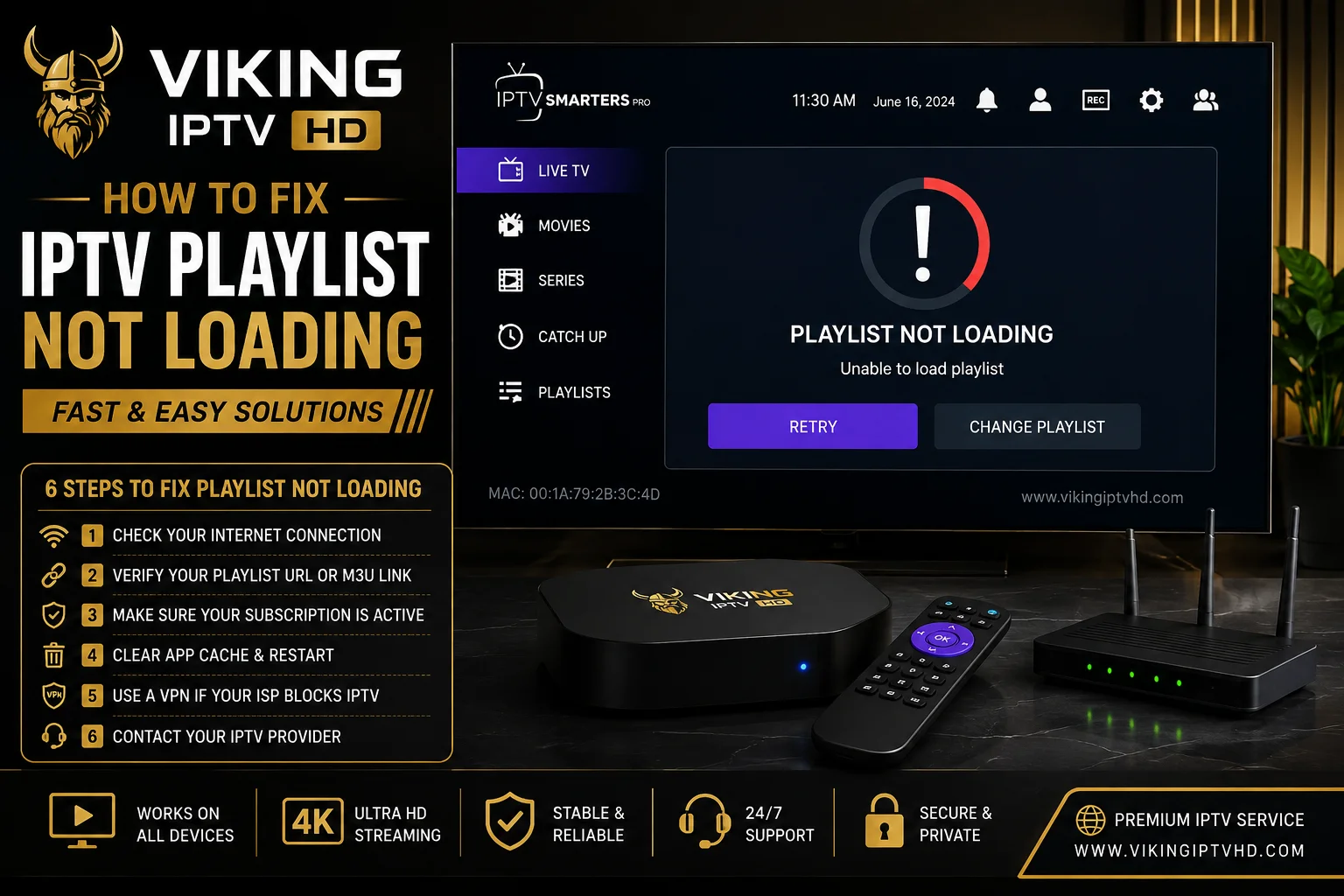
Our broader IPTV not working guide covers several different failure scenarios at a glance. This article goes deep on just one of them — a playlist or login that won't load at all — since M3U and Xtream Codes tend to fail for slightly different reasons and deserve separate checklists rather than one generic list. If your channels load fine but the program guide is what's stuck or wrong, see IPTV EPG not updating instead.
First: Which Connection Method Are You Using?
The troubleshooting path differs depending on whether your Viking IPTV HD access details use Xtream Codes (a server URL, username and password) or an M3U playlist (a single link). If you're not sure which you have, check your original access details — the format is easy to tell apart once you know what to look for.
M3U Playlist Not Loading
- Copy the URL fresh rather than retyping it — a single missing character in a long link is the most common cause of a failed load.
- Check for a trailing space at the end of the URL, which is easy to introduce when copying from an email or message and can silently break the link.
- Confirm the link uses the correct protocol prefix (http or https) exactly as given — some players are strict about this.
- If the playlist loaded before and has now stopped, check whether your subscription is still active before assuming a technical fault.
Xtream Codes Login Problems
- "Invalid username or password" almost always means a typo in one of the three fields — re-enter all three manually rather than relying on autofill.
- A missing or extra http/https prefix on the server URL is a common, easy-to-miss cause of a rejected connection.
- Passwords are case-sensitive — double-check capitalization if you're copying from a document that may have auto-corrected it.
- If your login worked previously and has since failed, check your subscription status before re-entering the same details repeatedly.
Expired or Incorrect Credentials
A playlist or login that used to work and now doesn't, with no changes made on your end, most often points to a subscription that's lapsed or access details that were updated without your player app being told. This isn't something re-typing the same information will fix — check your subscription status first, and if it's active but the same details still fail, the credentials themselves may need to be reissued.
Malformed URLs
Long M3U and EPG URLs are especially prone to copy-paste damage — a missing character in the middle of a long string is easy to miss visually but breaks the entire link. If you've retyped a URL manually at any point, re-copy it directly from the original source instead and paste it fresh, rather than comparing character by character.
App Cache and Restart
Clearing your player app's cache (from your device's app settings, not the app's own login screen) and then restarting it forces a completely fresh connection attempt, which resolves cases where the app is holding onto a broken cached state from a previous failed login. This does not delete your saved credentials — only temporary data.
Testing Your Network
If credentials and URLs check out but nothing loads, confirm your device has a working internet connection by opening a browser or another app that needs one. If other apps are also failing to load content, the issue is your network, not your IPTV playlist — restart your router and try again before troubleshooting the player app further.
Player Compatibility
Occasionally a playlist loads fine in one player app but fails in another, which points to an app-specific compatibility issue rather than a problem with your subscription. If you've ruled out URL errors, expired credentials and network issues, testing the same login in a second player — such as switching between IPTV Smarters Pro and TiviMate — helps confirm whether the problem follows your account or your app.
When to Contact Support
If you've worked through URL accuracy, credential verification, cache clearing and a network test, and the playlist still won't load, contact support rather than continuing to guess — persistent failures after this level of checking are more often account or service-side than something fixable from your end.
FAQ
Why does my M3U link work in a browser but not in my player app?
Browsers and player apps handle URLs differently — a link that opens fine in a browser can still fail in an app if there's a subtle formatting issue the app is stricter about. Try re-copying the link directly into the app rather than typing it.
Is a playlist error the same as an expired subscription?
Not necessarily, but it's one of the most common causes when something that used to work suddenly stops. Checking your subscription status is a quick first step before assuming a technical fault.
Does clearing my app's cache remove my login details?
No — clearing cache only removes temporary stored data, not your saved credentials or playlist. It forces a fresh connection attempt without requiring you to re-enter anything.
Still stuck?
If the steps above didn't resolve it, get in touch with support directly.